Keeping track of personal belongings has become more important than ever, especially as homes fill with valuable electronics, collectibles, jewelry, and important documents. Whether protecting assets for insurance purposes, preparing for a move, or simply staying organized, home inventory apps offer a modern, stress-free solution. Instead of relying on handwritten lists or scattered spreadsheets, these apps allow users to catalog, photograph, and secure their valuables directly from a smartphone or computer.
TLDR: Home inventory apps help homeowners document and protect their belongings for insurance, organization, and peace of mind. The best tools combine cloud backup, photo storage, barcode scanning, and easy reporting features. This guide reviews the top seven home inventory apps, compares their features, and highlights what makes each one stand out. Choosing the right app depends on budget, desired features, and level of detail required.
Below are the top 7 home inventory apps that make cataloging and securing valuables effortless.
1. Sortly
Best for: Visual learners and small households who want a clean, photo-first interface.
Sortly is known for its intuitive design and strong visual organization tools. Users can create folders by room, category, or custom labels and attach photos, receipts, serial numbers, and notes to each item.
- Photo-based inventory management
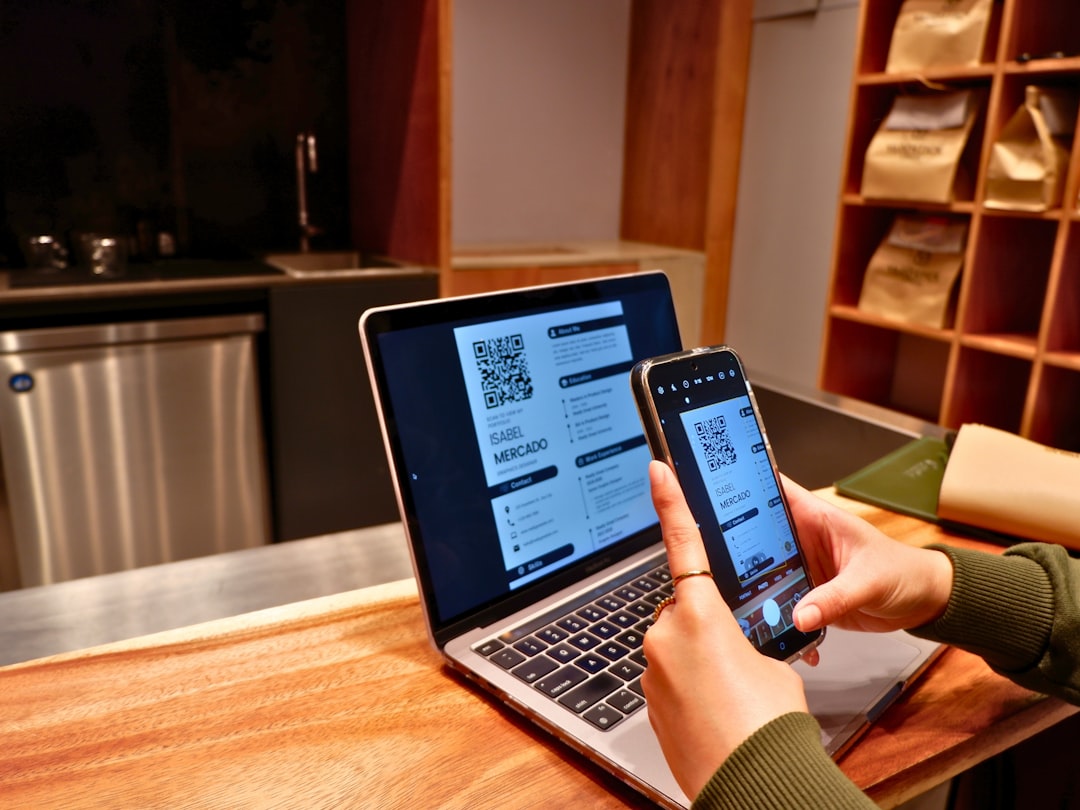
- QR code and barcode scanning
- Cloud backup and sharing options
- Customizable folders and tags
Why it stands out: Its visual simplicity makes it ideal for users who want an app that feels approachable rather than technical.
2. Encircle
Best for: Detailed documentation and insurance claims.
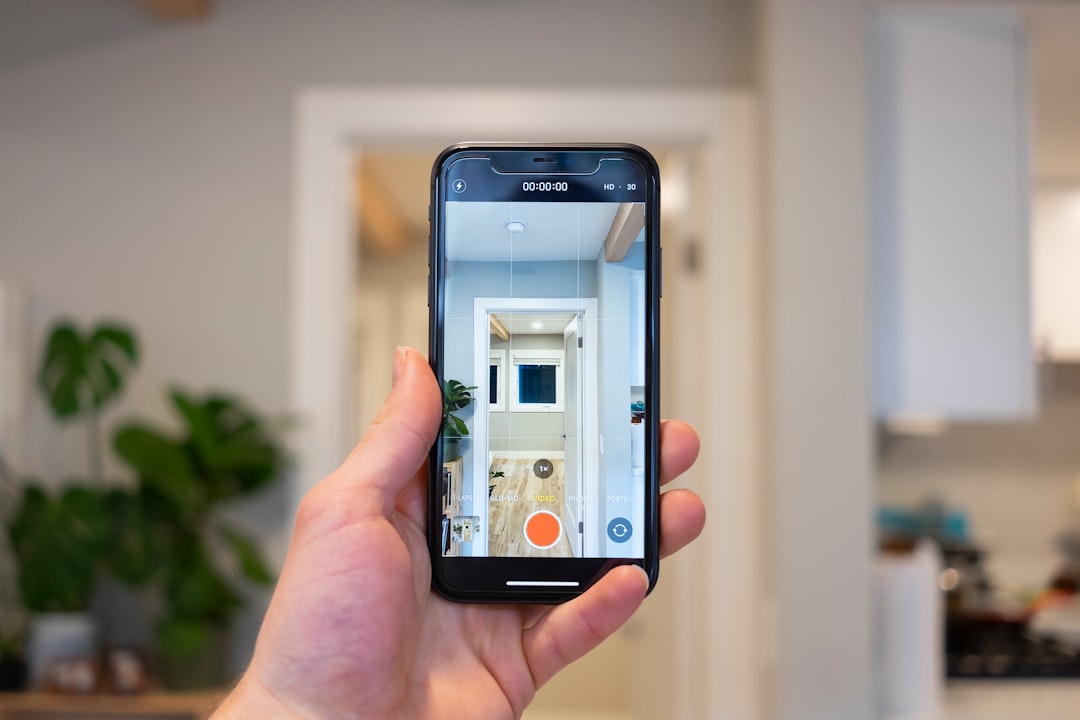
Encircle is widely used by homeowners and even insurance professionals. It offers advanced documentation tools that allow users to record videos, add scanned documents, and create structured reports.
- Room-by-room documentation
- Video walkthrough recording
- Cloud storage for receipts and warranties
- Professional-style PDF reports
Why it stands out: Its reporting feature simplifies the insurance claims process after fire, theft, or natural disasters.
3. Home Inventory by Binary Formations (iOS)
Best for: Apple users seeking robust desktop and mobile sync.
This iOS-focused app offers one of the most thorough inventory systems available. It synchronizes between iPhone, iPad, and Mac, making it perfect for Apple households.
- Barcode scanning support
- Warranty tracking
- Depreciation tracking
- Backup and restore functionality
Why it stands out: The app calculates depreciation and can produce detailed insurance-ready reports.
4. Nest Egg
Best for: Simple, clean inventory tracking on iOS devices.
Nest Egg emphasizes ease of use. Users can quickly upload photos, categorize belongings, and generate reports.
- Search and filter functionality
- Multiple home management
- CSV export options
- Cloud syncing
Why it stands out: It balances simplicity and functionality without overwhelming users.
5. LyfAI
Best for: AI-powered automation.
LyfAI uses artificial intelligence to identify objects from photos and automatically categorize them. This dramatically reduces manual data entry.
- AI-based object recognition
- Auto-category suggestions
- Cloud-based storage
- Quick item capture
Why it stands out: AI automation speeds up the inventory process, especially for large households.
6. MyStuff2 Pro
Best for: Detailed customization and collectors.
MyStuff2 Pro is ideal for those who collect high-value items such as art, coins, trading cards, or antiques. It allows users to create fully customized data fields.
- Unlimited custom fields
- Multiple images per item
- Password protection
- Export to spreadsheet or PDF
Why it stands out: Its flexibility makes it excellent for hobbyists and serious collectors.
7. BluePlum Home Inventory
Best for: Cloud-based security and household collaboration.
BluePlum offers secure cloud storage and emphasizes data protection. It supports multiple household members contributing to the inventory.
- Secure cloud backup
- Room-based organization
- Insurance summary reports
- Multi-user access
Why it stands out: It focuses heavily on security and shared household management.
Comparison Chart
| App | Best For | Cloud Backup | Barcode Scanning | AI Features | Report Generation |
|---|---|---|---|---|---|
| Sortly | Visual organization | Yes | Yes | No | Yes |
| Encircle | Insurance claims | Yes | No | No | Yes |
| Home Inventory (BF) | Apple users | Yes | Yes | No | Yes |
| Nest Egg | Simple tracking | Yes | Limited | No | Yes |
| LyfAI | Automation | Yes | No | Yes | Limited |
| MyStuff2 Pro | Collectors | Manual | No | No | Yes |
| BluePlum | Household sharing | Yes | No | No | Yes |
Why Using a Home Inventory App Matters
A home inventory app does more than organize belongings. It creates financial protection and peace of mind. In the event of theft, fire, flooding, or natural disaster, a detailed inventory significantly speeds up insurance claims.
Many homeowners underestimate the value of their possessions. Individually small purchases add up quickly. Without documentation, reimbursement becomes complicated and stressful.
Key benefits include:
- Faster insurance claims
- Accurate coverage assessment
- Better organization during moves
- Warranty and receipt tracking
- Improved estate planning
Features to Look For in a Home Inventory App
Not all apps are created equal. When selecting the right tool, users should consider the following:
- Cloud Backup: Ensures data remains safe even if the phone is lost or damaged.
- Photo and Video Storage: Visual proof strengthens insurance claims.
- Barcode or QR Scanning: Speeds up adding electronics and appliances.
- Report Generation: Creates downloadable summaries for insurers.
- Multi-Device Sync: Allows access across smartphones, tablets, and desktops.
- User-Friendly Interface: Encourages consistent updates.
Ultimately, the best app is the one that homeowners will consistently use.
Final Thoughts
Home inventory apps have transformed the way people document and secure their belongings. What once required binders full of paperwork can now be completed in a few hours with a smartphone. From AI-powered automation to professional-grade insurance reporting, the options available today suit a wide range of needs and budgets.
By investing a small amount of time in creating a digital home inventory, homeowners protect themselves against unexpected loss and reduce potential financial stress. In an unpredictable world, preparation offers priceless peace of mind.
Frequently Asked Questions (FAQ)
-
1. Are home inventory apps free?
Many apps offer free versions with limited features. Premium versions typically include cloud backup, unlimited items, and advanced reporting. -
2. How long does it take to create a home inventory?
For an average home, it may take 2–4 hours initially. Apps with AI or barcode scanning significantly reduce this time. -
3. Is cloud storage secure for home inventory data?
Reputable apps use encrypted cloud storage. Users should choose apps with strong security policies and enable two-factor authentication when available. -
4. Do insurance companies accept reports from these apps?
Most insurance providers accept digital inventory reports, especially those with photos, serial numbers, and receipts. -
5. How often should a home inventory be updated?
It is recommended to update the inventory after major purchases, renovations, or at least once per year. -
6. Can these apps help during a move?
Yes. A home inventory app helps track packed items, verify deliveries, and ensure nothing is lost during relocation.

Where Should We Send
Your WordPress Deals & Discounts?
Subscribe to Our Newsletter and Get Your First Deal Delivered Instant to Your Email Inbox.
Thank you for subscribing.
Something went wrong.